Seed Copilot, AI-powered reporting built into Seed Pro.

Seed Copilot gives you instant answers about your sales, products, routes, markets, and profitability — simply by asking questions in plain language. No reports to build. No setup required. Just clear insights in seconds.
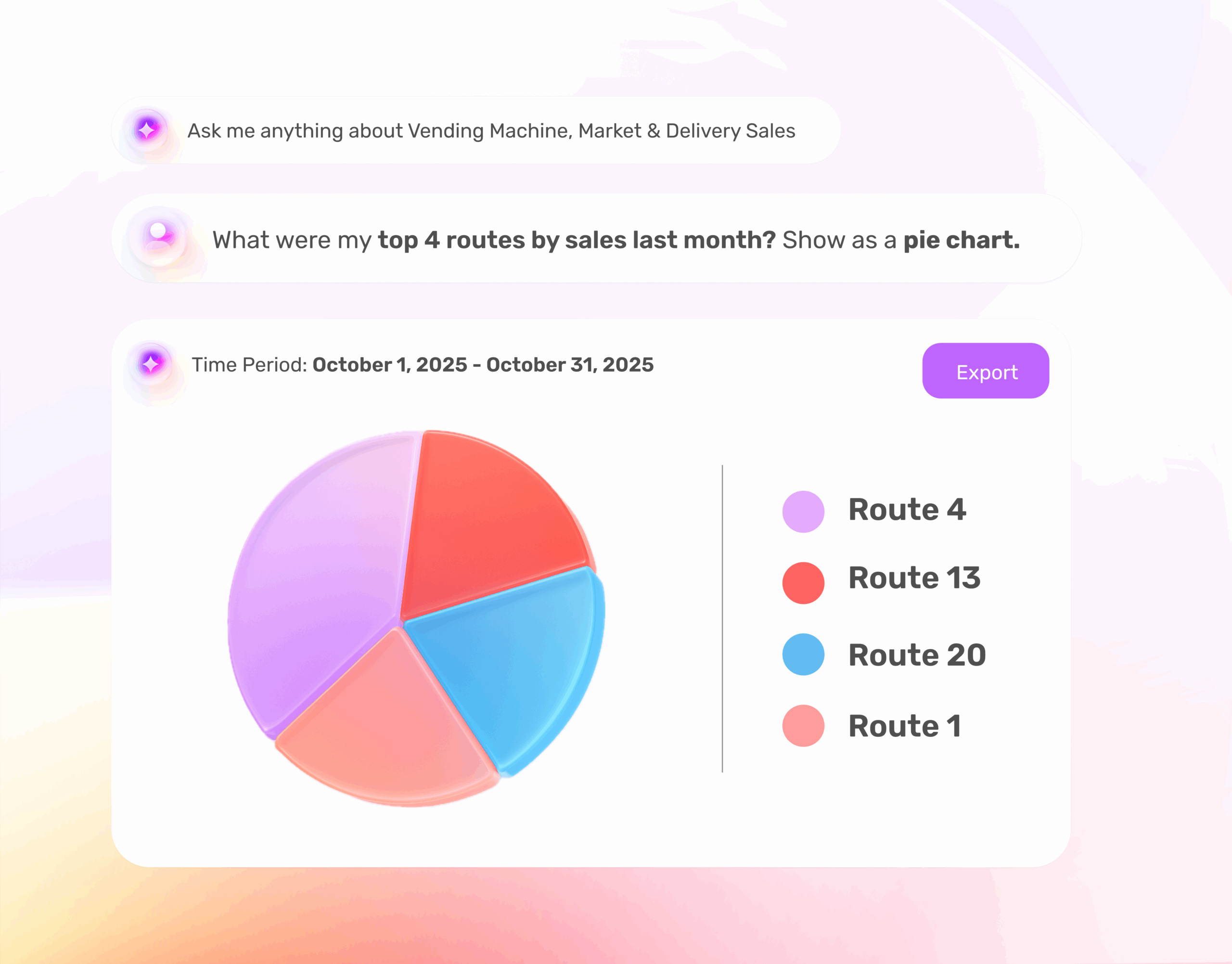

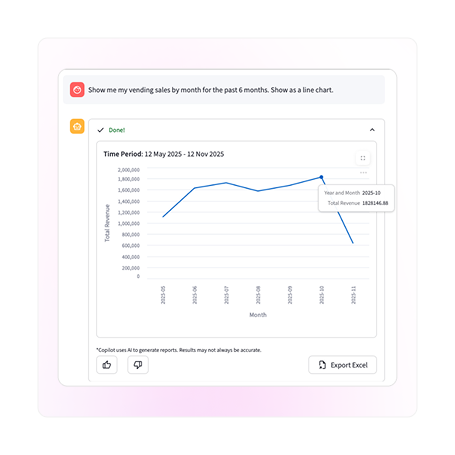
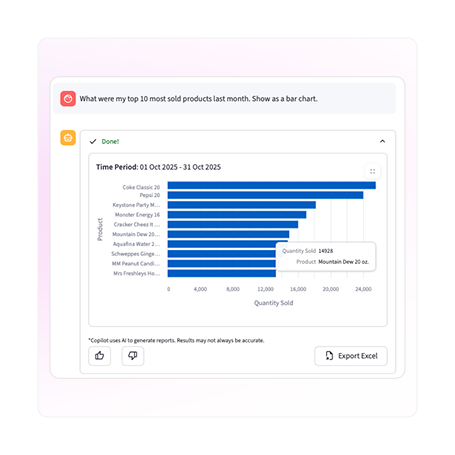
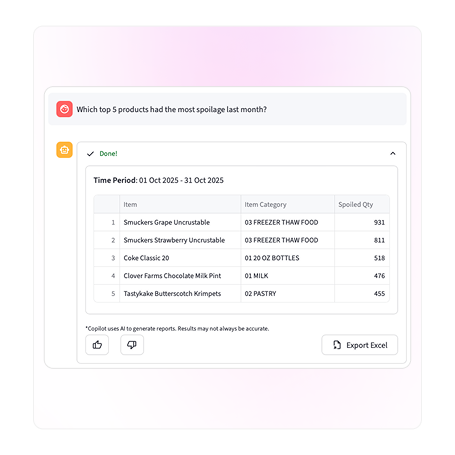
An image of a chat with Copilot

Turn your data into clear answers, instantly

Copilot works alongside your current reporting tools — making it easier than ever to uncover trends, optimize your product mix, and improve profitability from one place.

Just ask a question in plain language. Copilot does the rest.

With Seed Copilot, you can:

  • See top-performing routes, locations, and markets
  • Compare sales and trends across any time period
  • Understand product performance at a glance
  • Identify items that may be costing you money
  • Get insights without building reports

Understand your performance even faster

Get instant clarity into your sales, routes, and markets without digging through reports. Seed Copilot automatically builds what you need—right when you need it.

  • Compare sales month-over-month
  • Find your top-performing locations
  • Understand which routes drive the most revenue

Optimize your product mix with ease

See which products drive your business and which ones slow it down. Copilot surfaces your top sellers, slow movers, and emerging trends so you can adjust planograms and stay fully stocked.

  • Identify fast-moving SKUs
  • Spot slow or declining items
  • Compare product performance across markets

Protect your profits

Seed Copilot helps you identify the items or locations that may be costing your business money, giving you an early look at where to intervene and improve margins.

  • Find items with low or negative profitability
  • Surface underserved locations
  • Spot issues before they grow

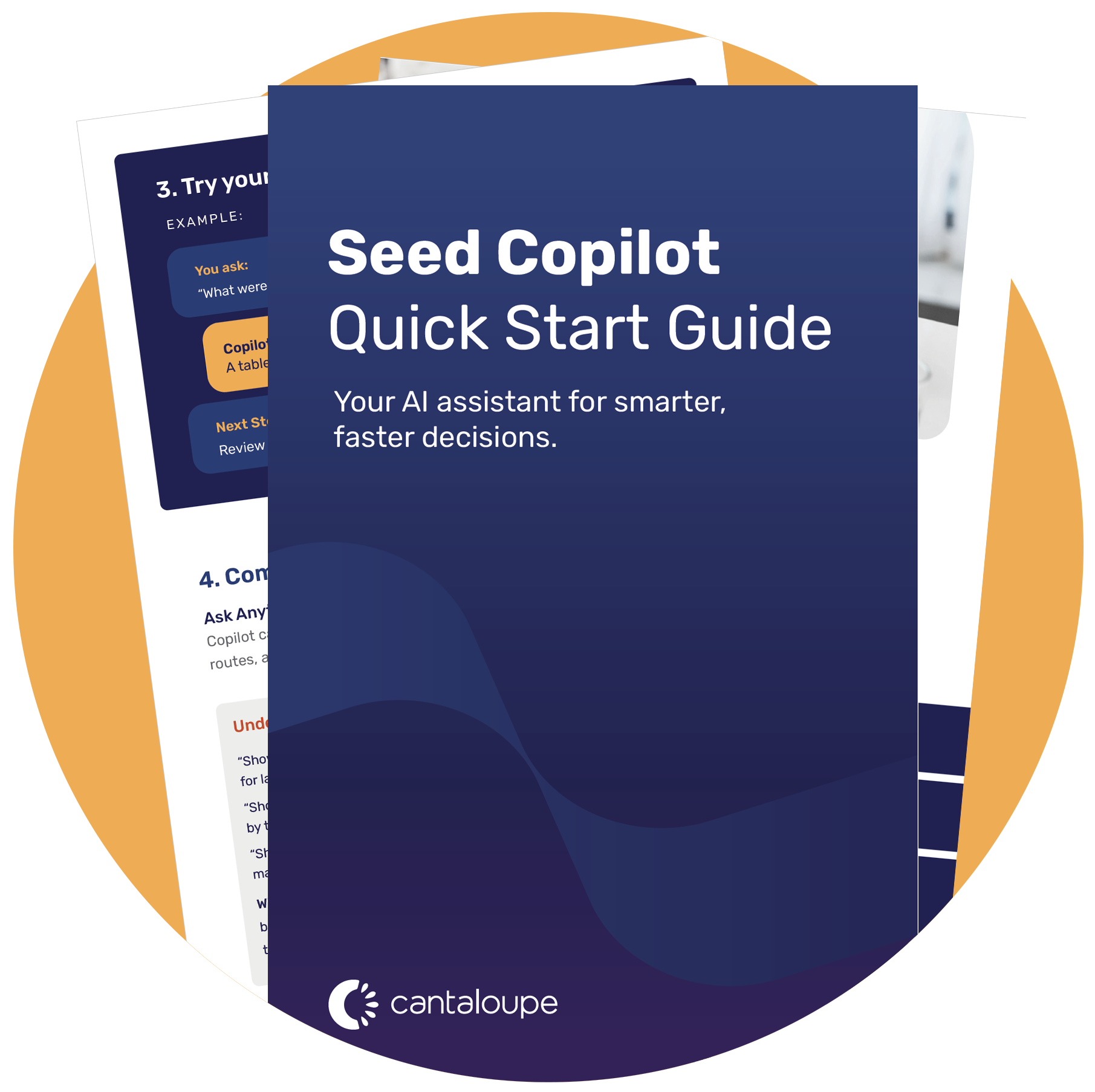
Get the Quick Start Guide

See example prompts, feature explanations, and simple steps to help you get the most out of Copilot from day one.

The guide includes:

  • How Copilot works
  • The best prompts to use
  • Examples for sales, product, and profit insights
  • Tips to get faster, clearer answers
Get the Quick Start Guide